
Unblind Test
Interactive music Blind Test. More than 30 ready-made playlists, your own playlists, and three ways to answer.
At a glance
| Category | Quiz & Trivia |
| Players | Unlimited |
| Duration | 1 to 20 minutes depending on the number of songs (the estimated length is shown before you start) |
| Customizable | Yes (playlist, what players guess, how they answer, number of songs) |
How it works
A music clip starts playing. Players answer on their phone as fast as they can. The faster the answer, the more points it earns: up to 250 points for an instant correct answer.
How a game plays out
Setup
Before starting, on the game screen or from the remote on your phone, choose:
- The playlist. "All-Time Hits" is suggested by default: 250 hits from every era. The catalog has more than 30 playlists, sorted into International and France and by theme: decades (70s to 2010s), genres (classic rock, country, hip-hop, Britpop, indie rock…), movies and Disney, current hits, and seasonal playlists such as Halloween.
- What players have to find: the artist (default), the title, or the work (the movie or TV show) for soundtrack playlists. If you choose "The artist" on a movie playlist, the game automatically asks for the movie instead.
- How players answer:
- 4 choices (default): the easiest for everyone, 10 seconds per clip
- Free answer: everyone types their answer, small typos are accepted, 20 seconds per clip
- Say it: the player holds a button and says their answer, 20 seconds per clip
- The number of songs: 15 by default, up to 40. The estimated length of the game is shown next to it.
Your own playlists
In My playlists, you can create a playlist for the theme of your night:
- With AI: describe your playlist in one sentence ("80s for a birthday", "British indie"…). It's ready in about a minute.
- Song by song: search for tracks in the Deezer catalog and add them (at least 4 songs).
You can then replace or remove any song. Your playlists are saved to your account and are there for every night. Each game draws songs at random from the playlist.
Playlists are created and edited from the game screen. From the remote, you can choose from your playlists and the catalog.
During the game
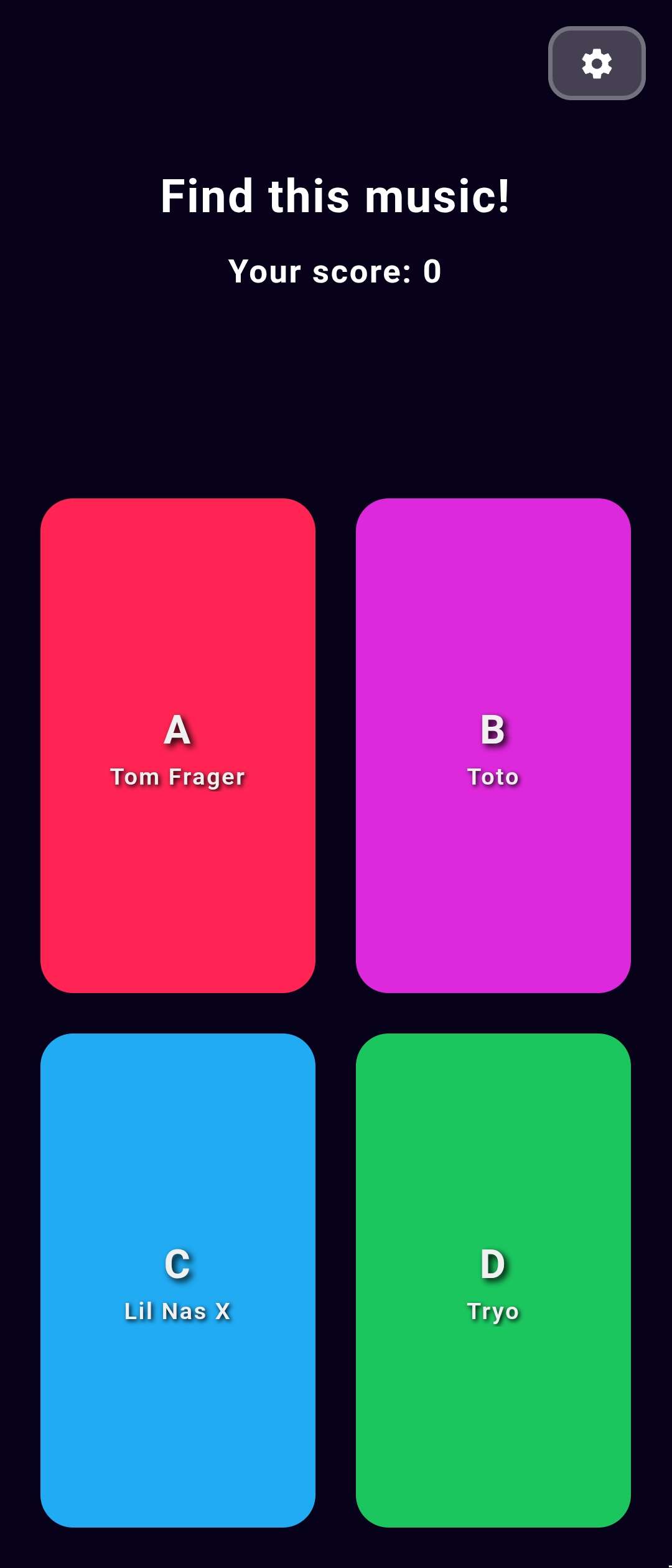
- A music clip starts playing
- Players answer on their phone
- The correct answer is revealed, with everyone's answers and the leaderboard
- The next song begins
End of the game
The podium is shown along with the next players. Two buttons are waiting for you: New game starts again right away with the same settings and a new draw of songs, Menu takes you back to the Blind Test home to change the playlist or settings. Players stay connected either way. To switch to another game, use the Menu button at the bottom right of the screen.
Scores reset with each new game.
Hosting tips
At the start: "It's Blind Test time! A song will play and you need to find the answer as fast as you can. The faster you answer, the more points you get!"
During the game:
- Let players hum along and sing: it builds the atmosphere
- Comment on results between each song
- Mix up your reactions: "That one was easy!" or "Well done to those who got it, that was tricky!"
- Need to make an announcement? Pause stops the timer; to cut the music too, use the Sound button
In case of a tie: Suggest a bonus round of 3 songs between the tied players.
The Blind Test is the most popular game for a night out. It creates an instant vibe, even with just a few players. Turn up the volume!
No sound? See Sound and display: most of the time, one click on the game page or the Sound button is enough.