
Managing your team
Invite members, manage roles, and control access for your team.
Why add members?
If multiple people at your venue may need to launch Unboared (servers, managers, hosts), you can create a personal account for each of them. Everyone logs in with their own credentials.
Inviting a new member
Go to the dashboard
Head to b2b.unboared.com and log in.
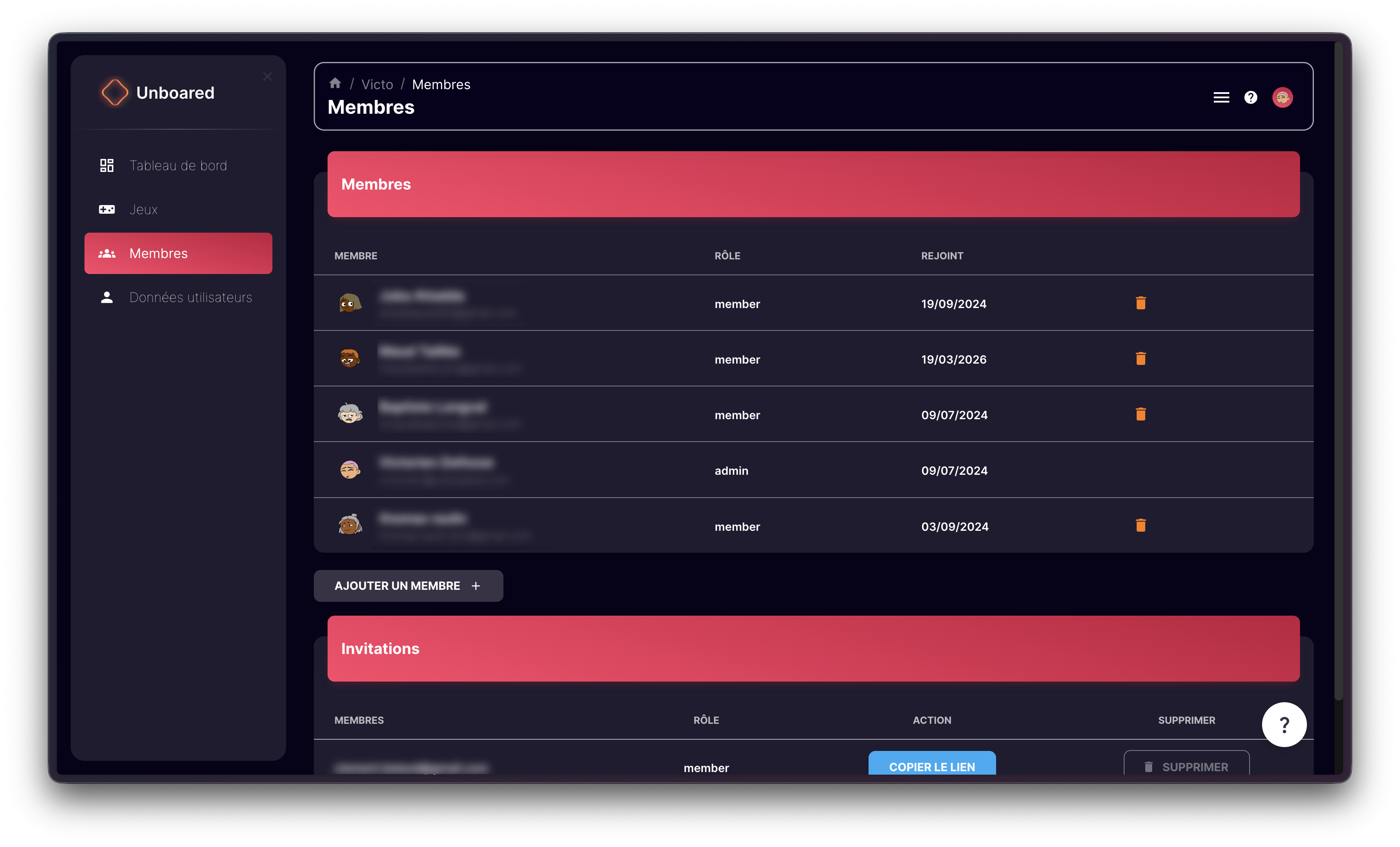
Open the Members section
In the left menu, click on Members.
Add a member
Click Add a member, enter the person's email address, and choose their role (Admin or Member).
Send the invitation link
An invitation link is generated. Copy it and send it to your colleague. They can create their account by following that link.
Roles
| Role | Permissions |
|---|---|
| Admin | Full access to the dashboard, can invite and remove members |
| Member | Can launch Unboared on the console, limited dashboard access |
Removing a member
In the Members section, click the Remove button next to the member in question. This action is irreversible.
Each member can launch Unboared independently with their own credentials. There's no need to share a single account for the entire venue.