
Dashboard overview
An introduction to the Unboared dashboard and its features.
Accessing the dashboard
The dashboard is available at b2b.unboared.com. Log in with the same account you use on the console.
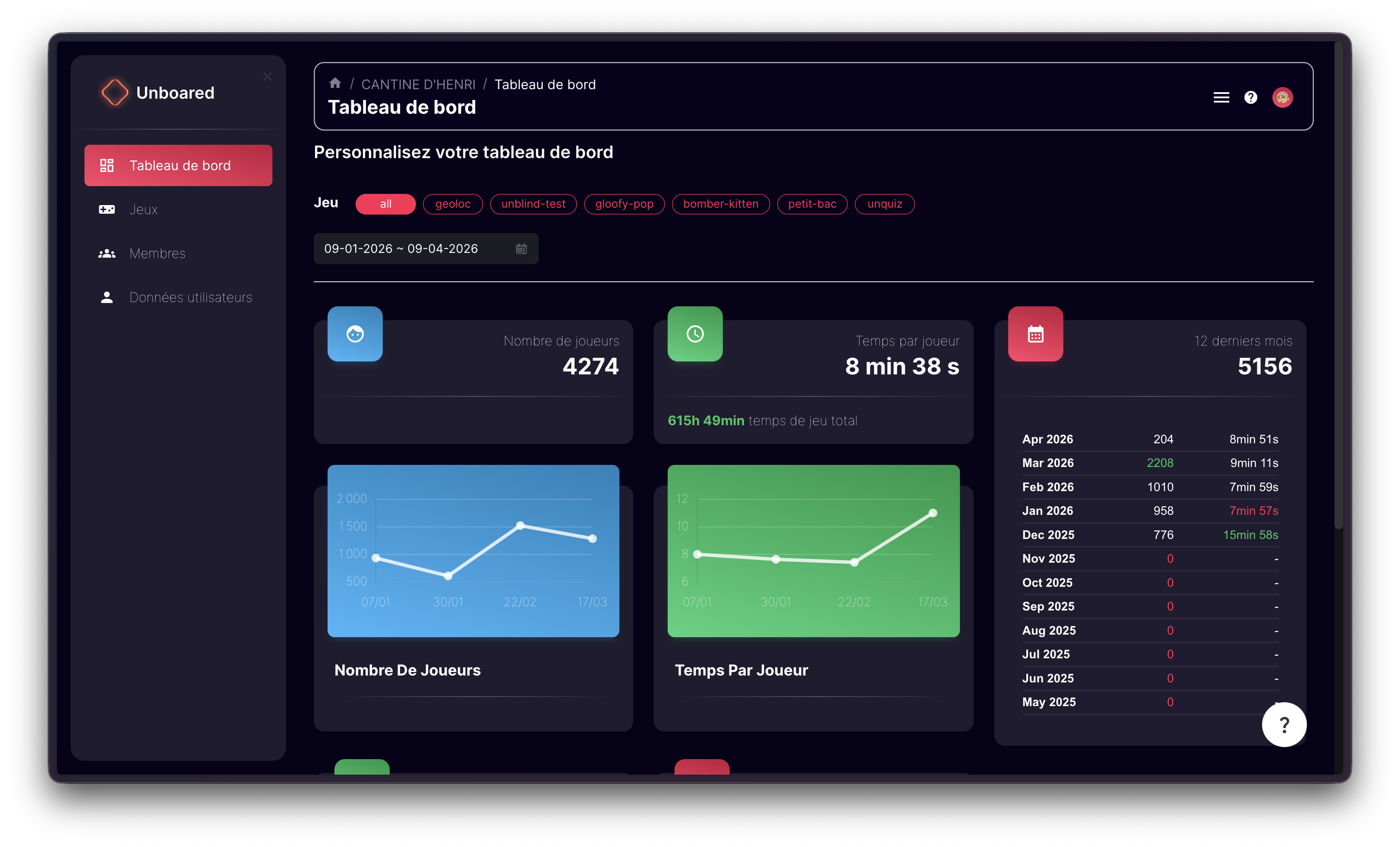
Dashboard sections
The left menu gives you access to the different sections:
| Section | Description |
|---|---|
| Dashboard | Overall view of your statistics: number of players, session duration, most popular games |
| Screens | Manage your connected screens/TVs |
| Games | View and configure available games |
| Members | Invite and manage your team members |
| User Data | Configure email and player data collection |
| Settings | Edit your profile, company details, and account security |
Selecting a space
If you manage multiple venues, select the desired space from the dashboard home screen. Each venue has its own space with its own statistics.
Need help?
The dashboard includes a help button at the bottom of the menu that redirects you to the FAQ or lets you contact support.